STEP 01 / 09
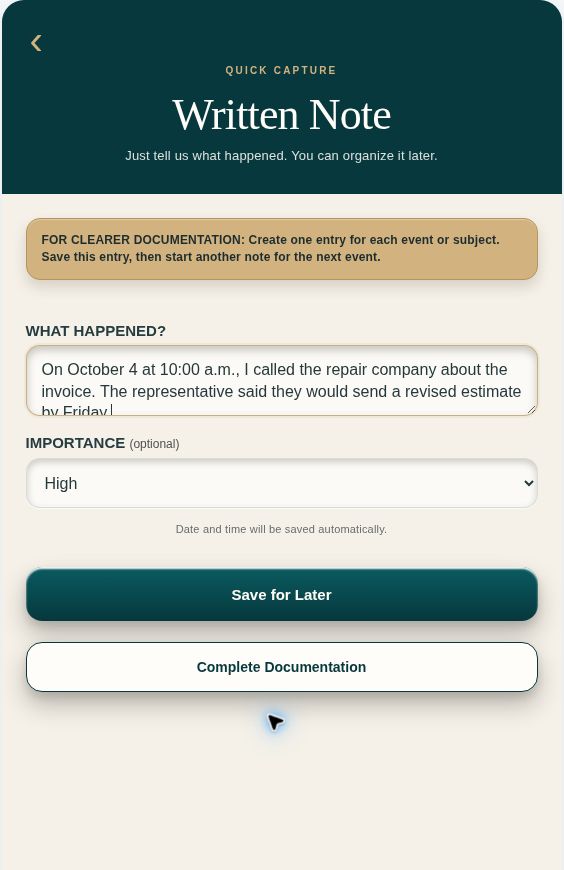
Document something while it is fresh.
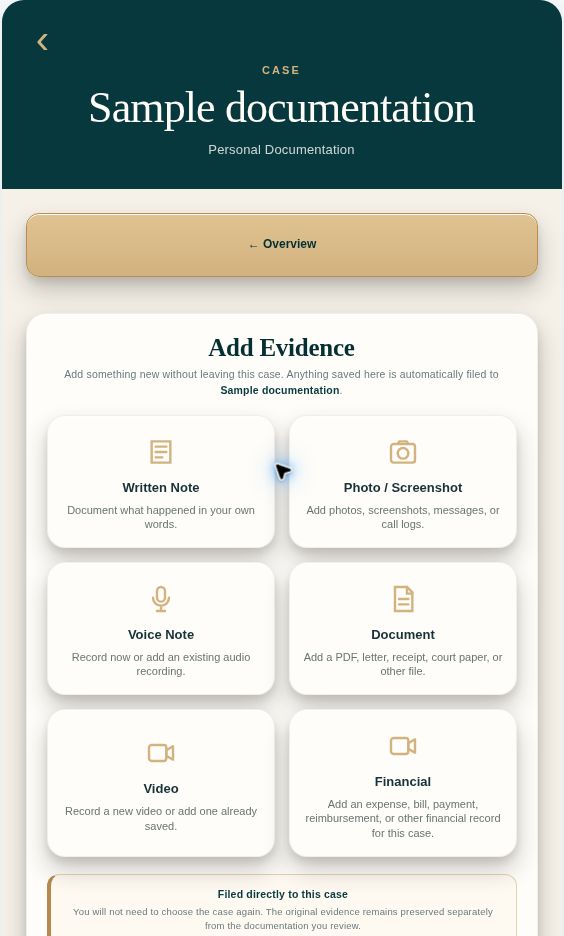
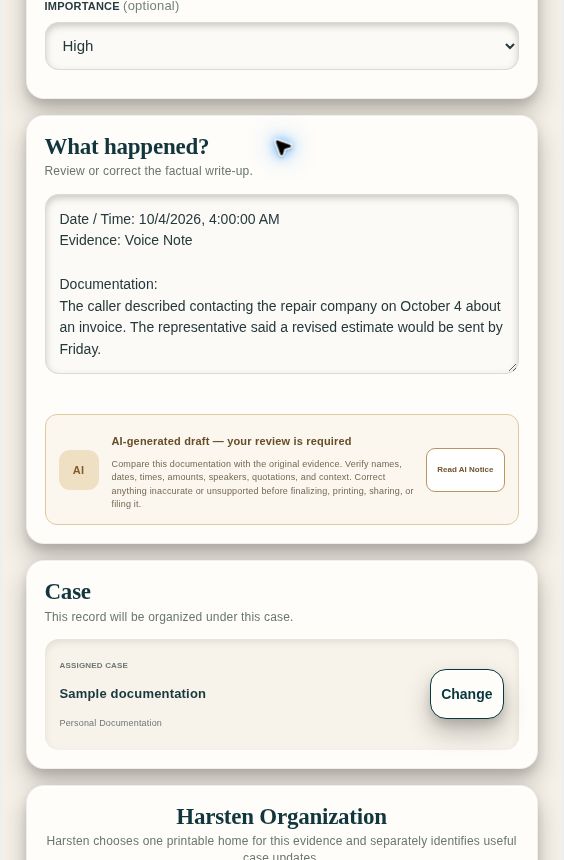
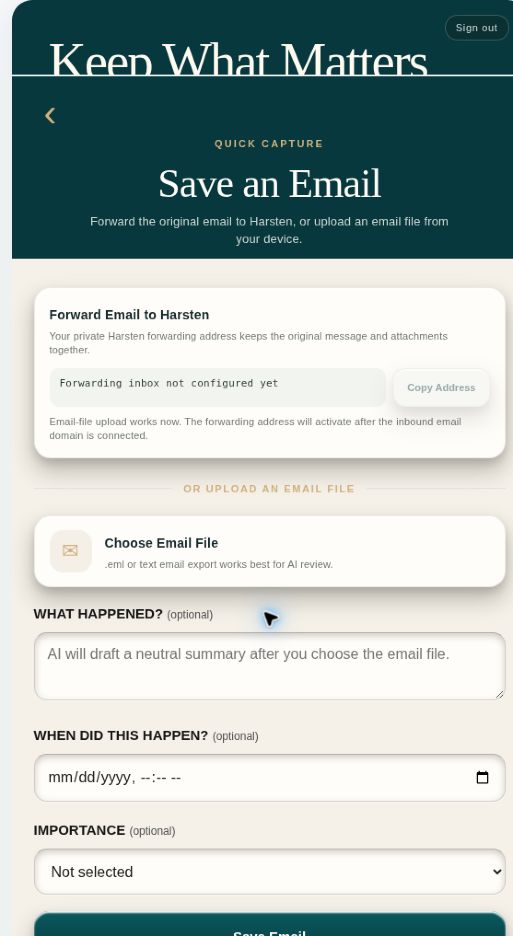
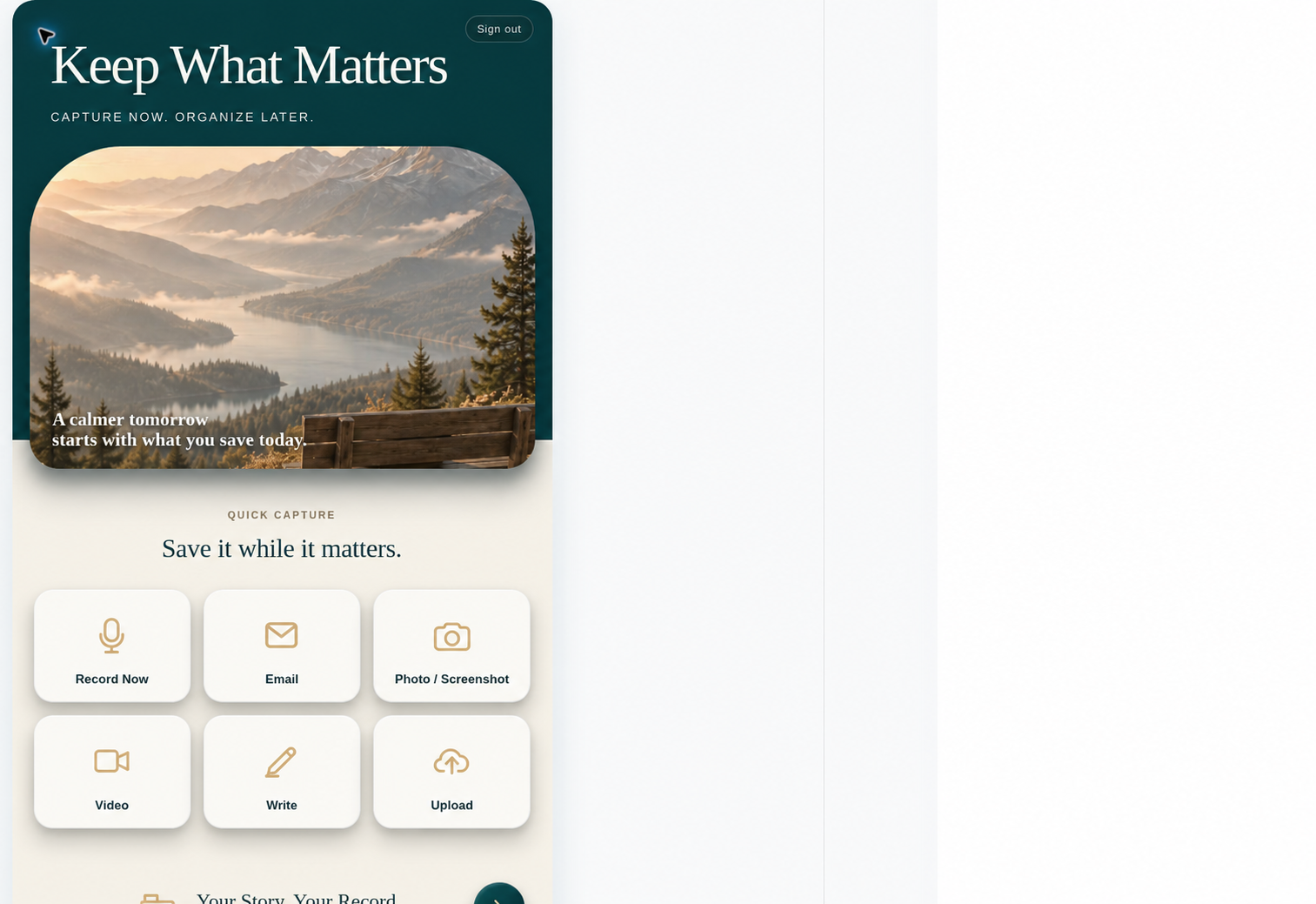
Open Harsten and use Quick Capture to speak a voice note, write a note, or add supporting media. You can record one event without creating a whole case first.
- Choose Write to describe what happened in your own words, or Record Now to speak it.
- Use Photo / Screenshot, Video, or Upload for files you already have.
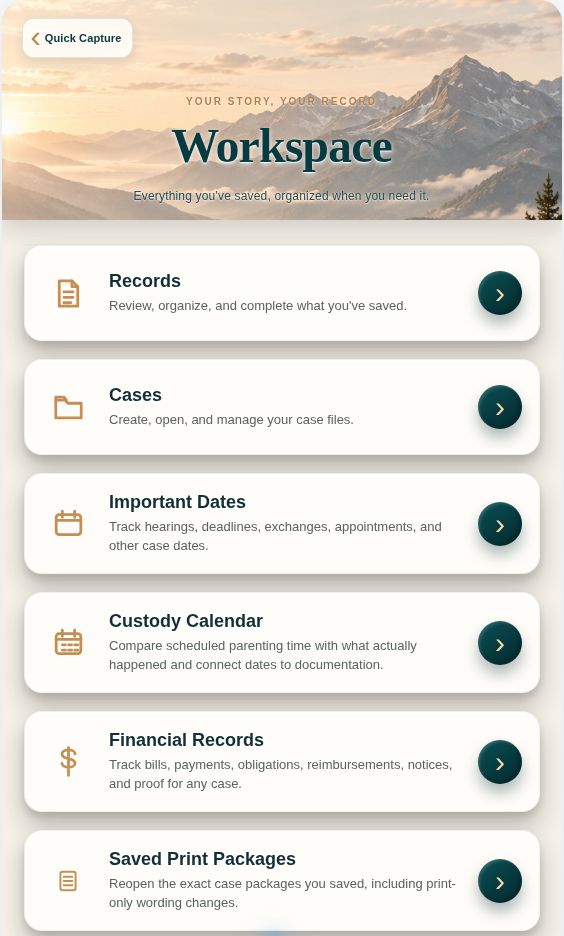
- When you want to organize your records, choose Your Story, Your Record to open Workspace.